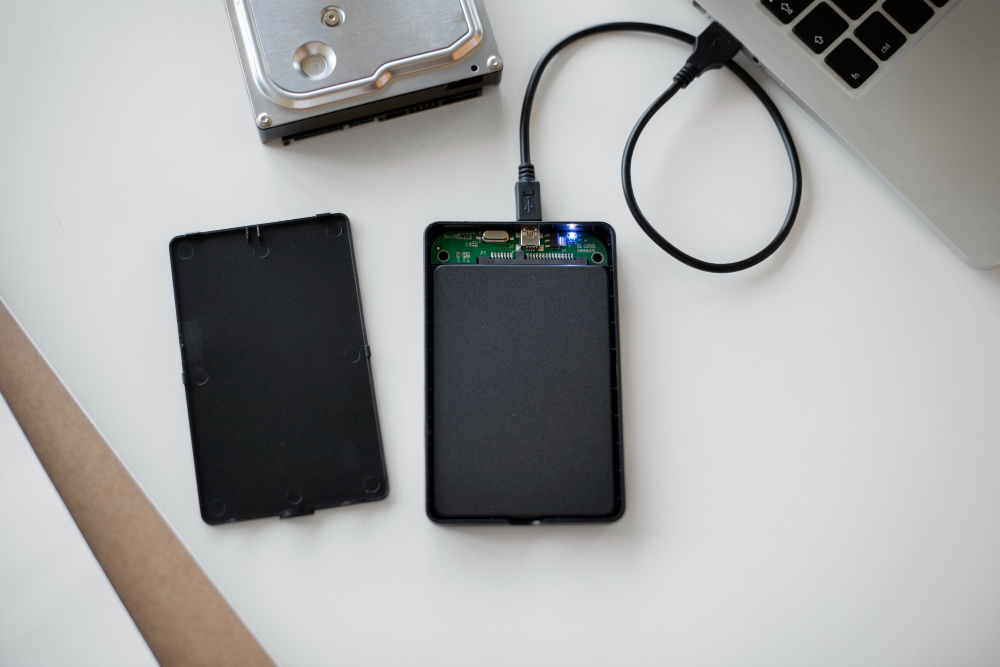
Professional Data Recovery Services
Recover Your Valuable Data with Trusted, Secure, and Professional Recovery Solutions
Data loss can happen unexpectedly and often when you need your files the most. Whether it is important business documents, family photos, financial records, videos, databases, project files, or system backups, losing access to your data can create serious challenges.
Our professional data recovery services are designed to recover lost, deleted, corrupted, inaccessible, or damaged data from a wide range of storage devices. We combine advanced recovery techniques, specialized tools, and secure recovery procedures to provide reliable solutions for individuals, businesses, and organizations.
Every data loss case is different. Recovery success depends on the condition of the device, the type of damage, file structure, storage technology, and how the device was handled after the data loss occurred. Our team carefully evaluates each case to provide the most effective recovery approach.
Why Data Recovery Is Important
Data is one of the most valuable assets in today’s digital environment. Important information can be stored across multiple devices and storage systems, making data protection critical.
Data recovery becomes essential when:
- Important business files are lost
- Personal memories such as photos and videos disappear
- Devices stop responding or become inaccessible
- Drives become corrupted or unreadable
- Files are accidentally deleted or formatted
- System crashes cause permanent data loss
Our goal is to restore access to your data safely, securely, and professionally.
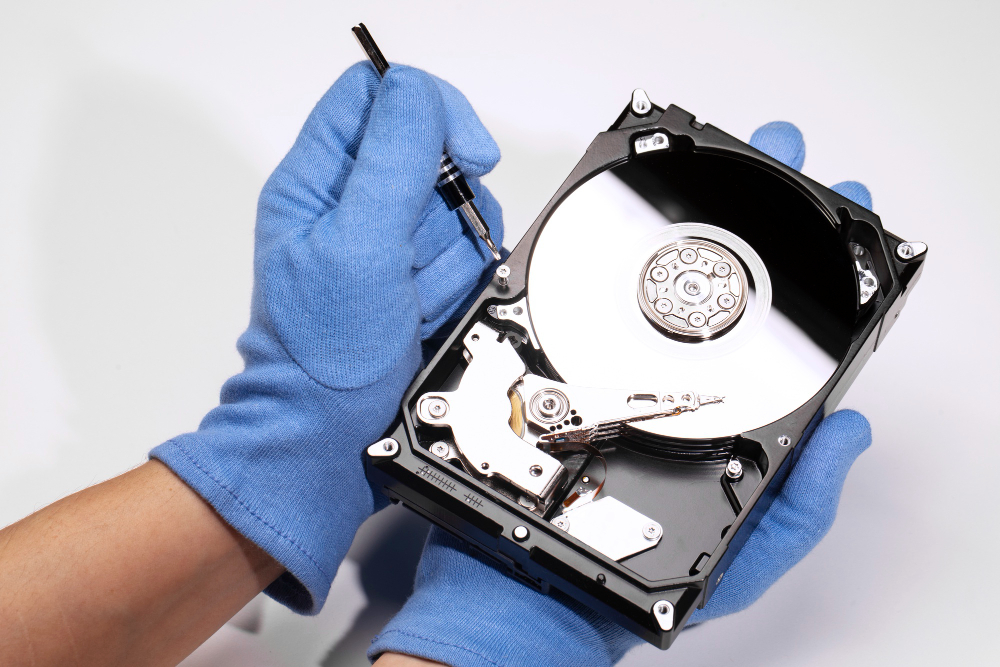
Devices We Support for Data Recovery
We provide data recovery services for a wide variety of storage devices and technologies.

Hard Disk Drives (HDD)
Traditional hard drives are commonly used in desktops, laptops, servers, and external storage devices. HDDs can experience mechanical failures, bad sectors, corruption, or physical damage.

Solid State Drives (SSD)
SSDs provide faster performance but require specialized recovery methods. We recover data from SATA SSDs, PCIe SSDs, and advanced solid-state storage devices.

NVMe Drives
NVMe technology is widely used in modern laptops and high-performance systems. Our recovery specialists use advanced techniques to recover data from damaged or corrupted NVMe drives.

SD Cards and Micro SD Cards
Memory cards used in mobile phones, drones, cameras, and portable devices may become corrupted, unreadable, or accidentally formatted.

USB Flash Drives
USB drives may suffer from controller damage, corruption, accidental deletion, or connection issues.

RAID Servers and NAS Storage
Businesses often rely on RAID arrays and NAS devices for data storage. We provide recovery solutions for failed RAID systems, damaged storage pools, and inaccessible servers.

External Hard Drives
External drives often face accidental drops, power failure, cable damage, and file system corruption.

Laptop and Desktop Storage Devices
We recover data from internal drives in desktops, laptops, and workstation systems.
Logical Level Recovery – Simple to Complex Data Loss Situations
Logical data recovery refers to situations where the storage device remains physically functional but data becomes inaccessible due to software-level issues.
Logical recovery can range from simple file restoration to highly complex data reconstruction.
Simple Logical Recovery Cases
These cases generally involve recoverable file structures and minimal damage.
Examples:
- Recently deleted files
- Emptied recycle bin recovery
- Accidental formatting
- Missing folders
- Lost partitions
Moderate Logical Recovery Cases
Moderate cases require advanced scanning and deeper reconstruction methods.
Examples:
- Corrupted operating systems
- Damaged partition tables
- File system corruption
- RAW drive recovery
- Malware-infected data structures
Complex Logical Recovery Cases
Complex recovery requires advanced algorithms and manual recovery procedures.
Examples:
- Severely corrupted storage structures
- Damaged database files
- Multiple partition corruption
- Failed encryption access
- Corrupted backup systems
Each logical recovery case is different, and success depends on the extent of corruption and the amount of overwritten data.
Restore Your Data – Process
We follow a transparent and secure process to ensure professional recovery services.
Step 1: Device Assessment
Our team performs a detailed analysis of the storage device.
During Assessment We Check:
- Type of device
- Storage technology
- Damage level
- File system condition
- Recoverability potential
Step 2: Diagnosis and Recovery Planning
We identify the root cause of data loss and determine the best recovery approach.
This Includes:
- Damage analysis
- Recovery complexity evaluation
- Estimated recovery timeline
- Risk assessment
Step 3: Recovery Procedure
Our specialists use advanced recovery software and hardware-based tools.
Recovery Methods May Include:
- Sector-level scanning
- File system rebuilding
- Data extraction
- Firmware repair
- Partition restoration
Step 4: Data Verification
Recovered data is checked to ensure file accuracy, structure, and usability.
Verification Includes:
- File integrity checks
- Folder structure validation
- Database testing
- Media file testing
Step 5: Secure Data Delivery
Recovered files are safely transferred to a secure storage device.
Delivery Options Include:
- External drive transfer
- Secure cloud delivery
- USB device copy
- Encrypted delivery methods
Data Recovery Solutions We Provide
We offer customized recovery solutions based on the severity and type of data loss.
Deleted File Recovery
Recover files removed accidentally from computers, external drives, and storage devices.
Formatted Drive Recovery
Restore data from drives that were accidentally formatted or repartitioned.
Corrupted Data Recovery
Recover inaccessible or damaged files caused by corruption.
Hard Drive Recovery
Restore data from failed or damaged hard drives.
SSD and NVMe Recovery
Recover data from advanced solid-state storage systems.
RAID Recovery
Recover business-critical data from failed RAID arrays and servers.
USB and Memory Card Recovery
Restore photos, videos, and documents from portable devices.
Server Data Recovery
Recover data from business servers, storage systems, and enterprise devices.
Encrypted Data Recovery Support
Assist with recovering data from encrypted devices where possible.
Essential Do’s and Don’ts for Hard Disk Data Loss
Taking the correct action after data loss can significantly improve recovery chances.
Do’s
- Stop Using the Device Immediately
Continuing to use the device may overwrite recoverable data.
- Disconnect the Drive Safely
Power down the device and disconnect it to prevent further corruption.
- Seek Professional Assistance
Professional evaluation increases the likelihood of successful recovery.
- Keep the Device in Safe Condition
Protect the device from heat, moisture, and physical impact.
Don’ts
- Do Not Attempt DIY Repairs
Opening or repairing a drive without expertise may cause permanent damage.
- Do Not Install Recovery Software Repeatedly
Incorrect software use can overwrite important files.
- Do Not Shake or Hit the Drive
Physical handling may worsen internal damage.
- Do Not Continue Using a Failing Drive
If the device makes unusual sounds or behaves abnormally, stop using it immediately.
Understanding That Every Recovery Case Is Different
No two recovery cases are exactly the same.
The recovery process varies depending on:
- Type of storage device
- Extent of physical damage
- File system structure
- Data corruption level
- Age and condition of the device
- Encryption or security settings
- Overwritten data percent